✦
Plain-English missions
Describe a task in everyday language instead of building every browser step manually.
Click Action AI is designed to help with repetitive online work—from researching websites and collecting leads to navigating pages and organizing information—using plain-English instructions.
Review the current offer, features and terms on the official page before purchasing.
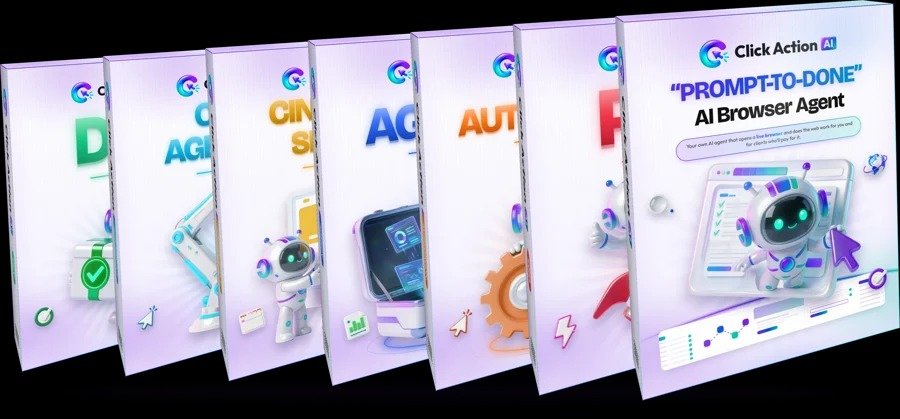
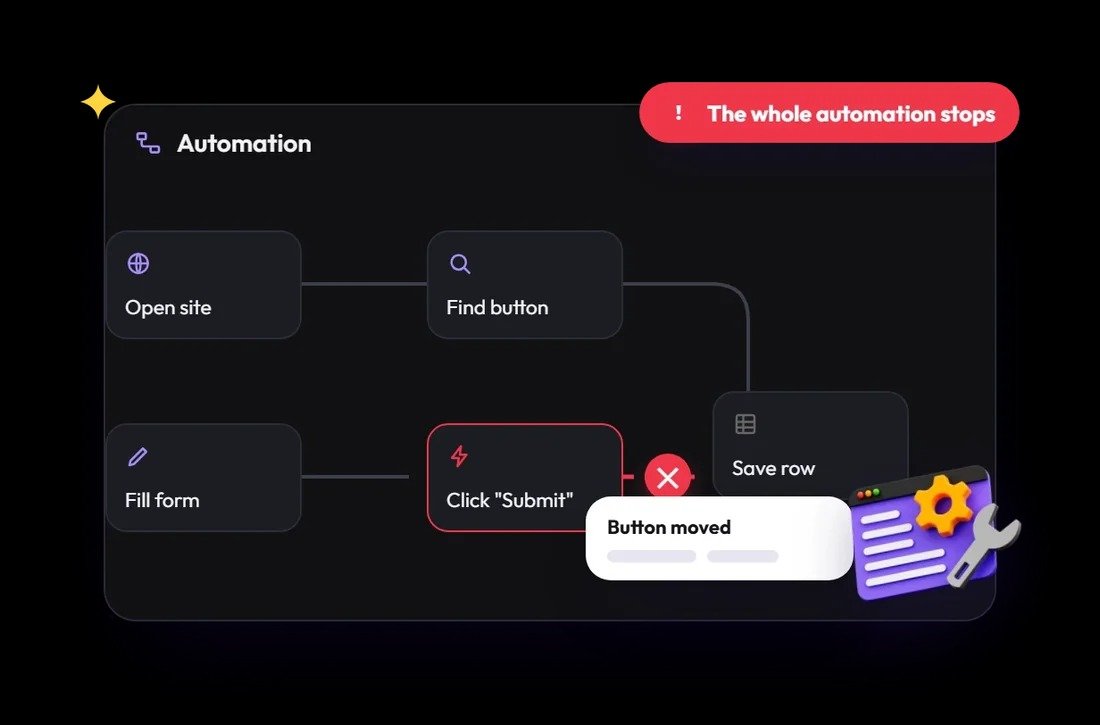
Finding information often means opening page after page, locating the right details, filling forms and moving data into another tool. Traditional step-by-step automations can also be brittle when a website changes.
Click Action AI takes a different approach: describe the outcome you want and let its browser agent attempt the steps. You can review the work and step in when needed.
Explore the advertised capabilities and consider which ones match the work you do most often.
Describe a task in everyday language instead of building every browser step manually.
Watch the agent navigate pages, click, type and interact with websites as a mission runs.
Help gather publicly available business information for prospecting and research workflows.
Plan and carry out sequences that may involve more than one page or website.
Assist with repetitive form filling and moving information between web-based tools.
The product information lists CSV, Google Sheets and PDF options for working with results.
The general process is designed to make browser automation more approachable—even if you don't write code.
Tell Click Action AI what you want done, such as researching businesses in a particular niche and location.
The agent plans a sequence of actions and works through the browser workflow. Monitor progress as it runs.
Review the collected information, correct anything necessary and export or use the results where appropriate.
These are examples of possible workflows—not guaranteed outcomes. Results depend on the websites, task and available access.
Research prospects and organize information for client projects.
Gather competitor details and support campaign research.
Assist with repetitive browser-based admin and data tasks.
Compare publicly available product and supplier information.
Browser agents can encounter changing page layouts, login checks, CAPTCHAs, access restrictions or inaccurate information. They may need your input, and important results should always be checked. Review the official page for current plan limits, pricing, refund terms and system requirements.
Avoid using automation in ways that violate a website's terms or privacy rules. Be especially careful with sensitive data and actions that have real-world consequences.
Explore the Click Action AI presentation, check the latest offer details and decide whether its browser-agent approach fits your workflow.
Visit the Official Click Action AI Page ↗You'll be taken to the product website. Check the current price, features and terms there.
Click Action AI is presented as an AI browser agent that uses plain-English instructions to plan and attempt tasks inside a cloud browser.
The product is marketed around natural-language prompts and no-code use. Check the official onboarding and plan details to understand the actual setup required.
Its advertised Lead Finder capability is intended to help collect business information. Verify the accuracy and permitted use of any data before contacting prospects.
No tool can guarantee that. Website changes, security checks, permissions and complex workflows can interrupt automation. Human review and intervention may be required.
Use the official product link on this page to see the latest pricing, available upgrades, usage limits and purchase terms.