🎨
Creating visuals
Build promotional pin artwork using your book cover as the starting point, with different creative directions to review.
BookBloom AI helps turn your published book into a ready-to-review promotion campaign, with visual pin artwork, promotional copy, a book landing page and a dated content calendar.
Explore BookBloom AI →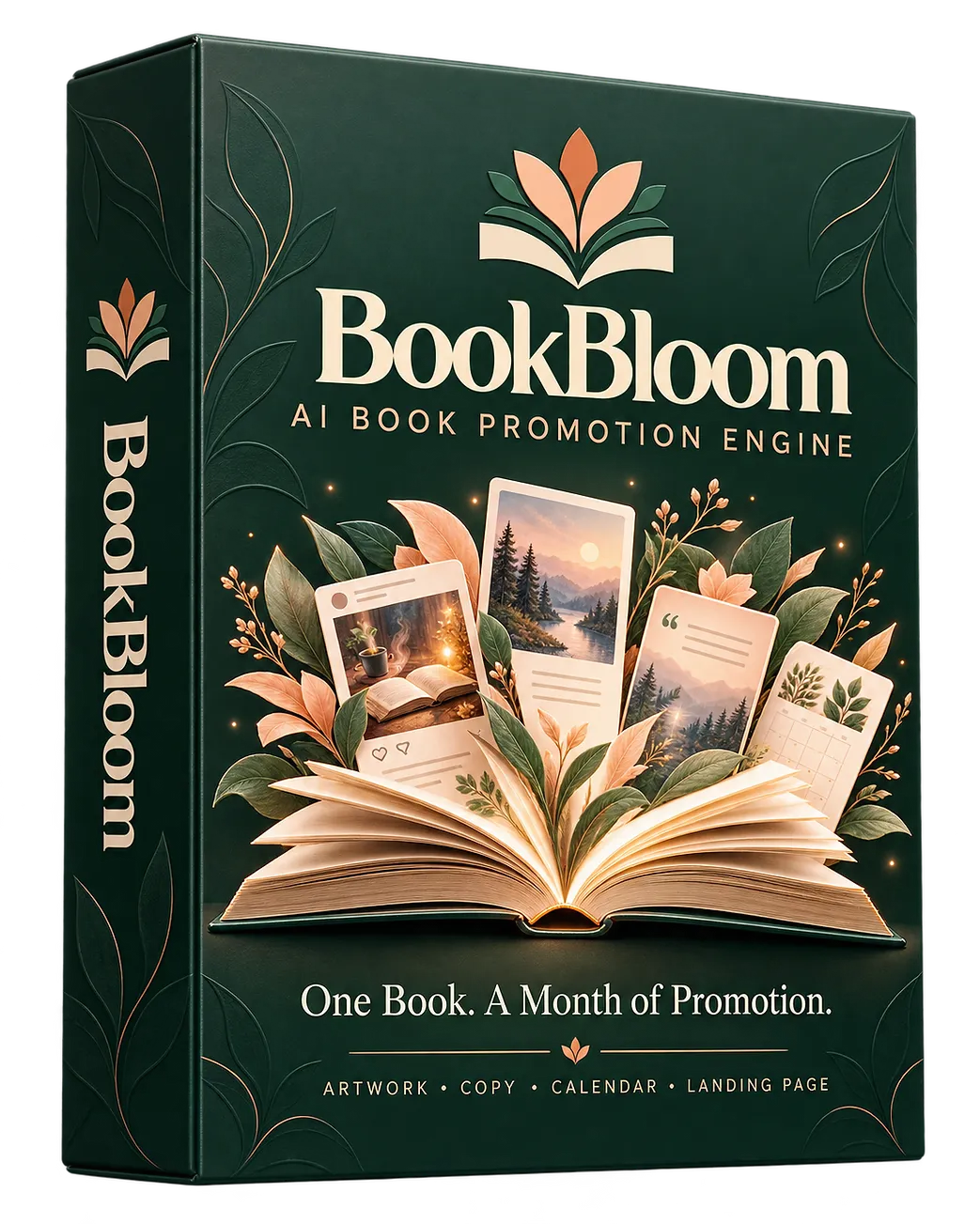
Coming up with fresh graphics, captions, keywords and a posting plan takes time. BookBloom brings those pieces together in one workflow so you can spend less time starting from a blank page.
Build promotional pin artwork using your book cover as the starting point, with different creative directions to review.
Generate hooks, captions, keywords and calls to action that give each promotional piece a clear message.
Organize the campaign into a dated 30-day calendar instead of deciding what to post every day.
BookBloom is designed to prepare the promotional pieces. You stay in control of what gets approved and published.
Paste your published book's link to get the campaign started.
Create pin artwork, hooks, captions, keywords and destination links.
Check the landing page and dated calendar, then make any edits you want.
Export the Pinterest-ready CSV and upload or schedule your approved content.
Instead of juggling separate documents for graphics, captions and planning, BookBloom puts several promotion tasks into one author-focused workflow.
Generate Pinterest-style promotional visuals inspired by your actual book cover and campaign angle.
Prepare promotional copy, keywords and calls to action for your campaign pieces.
See your promotion laid out by date so you have a clearer plan for the month.
Create a dedicated page for your book with store links and an optional email sign-up.
Track clicks on campaign links to help you understand which destinations are receiving attention.
Explore promotion-finder resources, free-channel ideas and KDP research tools included in the workspace.
BookBloom's promotional materials include examples of how a book campaign can be presented and how book activity can be monitored. The supplied example graphic shows a Google AI Overview visibility screenshot alongside a book-results panel.
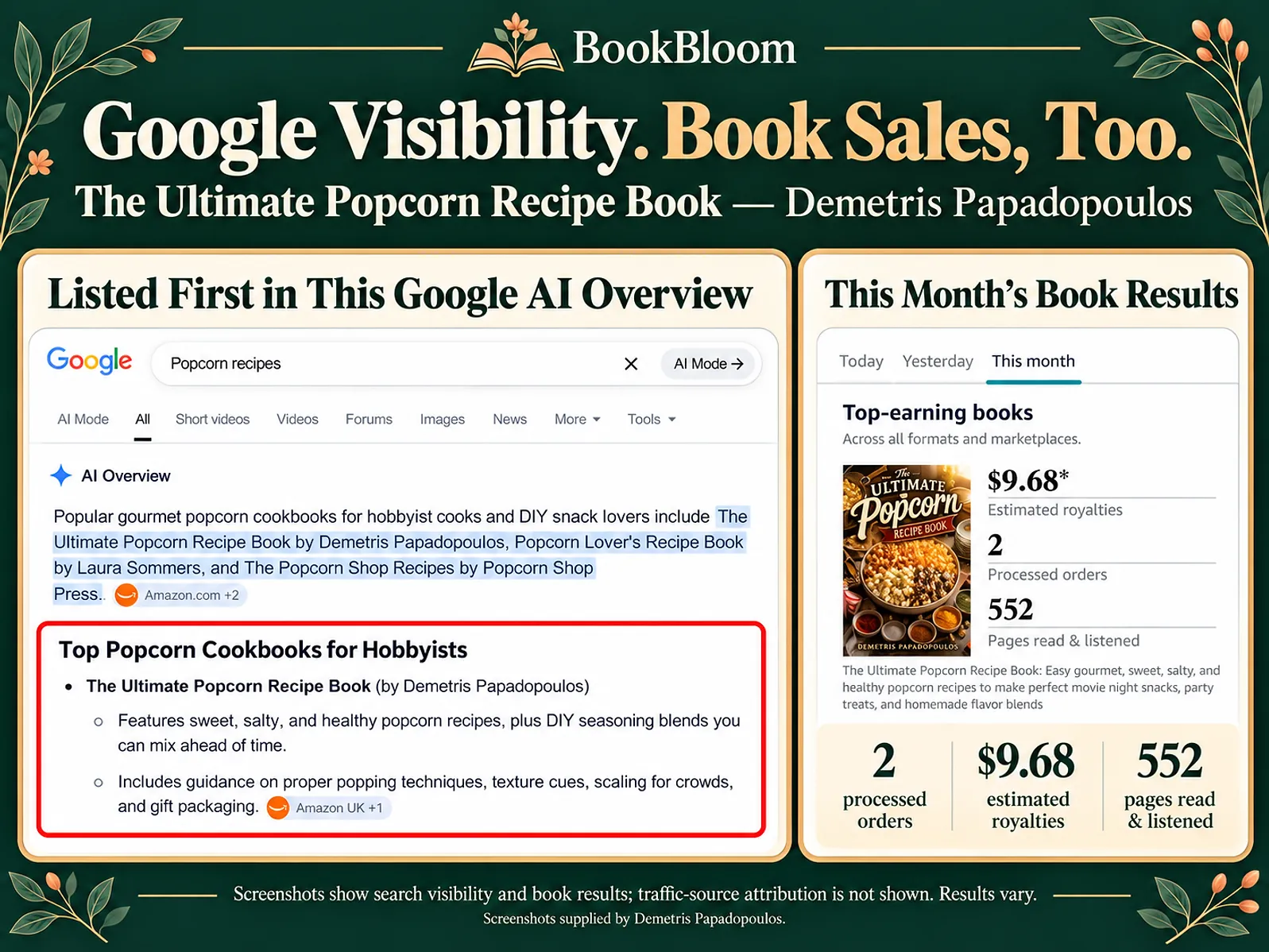
Example graphic supplied with the product information. It does not establish that BookBloom caused the search visibility or sales activity shown.
BookBloom may be worth exploring if you have a book available and want help preparing a consistent promotion plan.
A clear picture of the workflow helps you decide whether BookBloom fits the way you promote your books.
BookBloom brings the key campaign pieces together, so you’re not starting from a blank page.
You decide what goes live. Review the assets, make any changes, then publish or schedule your content.
To use the workflow, have these essentials ready:
Visit the official offer page to review the current price, full feature details, terms and available upgrades before purchasing.
A book-promotion workspace for preparing artwork, copy, destination links, a landing page and a 30-day campaign calendar.
See the BookBloom Offer →No. It prepares campaign content and a Pinterest-ready CSV export. You review the materials and upload or schedule the posts yourself.
Yes. You bring your own supported AI provider key. The product information mentions Google, Claude and OpenAI options. Your provider may have separate usage charges; check its current terms.
You need a Pinterest business account to use the Pinterest promotion workflow and publish the campaign content.
No. It helps prepare promotional assets and organize a campaign, but it cannot guarantee impressions, clicks, sales, rankings or search visibility. Results depend on many factors.
The product information describes a 30-day first-campaign guarantee with setup and usage conditions. Review the exact guarantee wording and requirements on the official checkout or sales page before buying.
Prices and upgrade options can change. The official offer page and checkout are the source of truth for the current price and terms.
Explore BookBloom AI and decide whether its campaign-building workflow belongs in your author toolkit.
Visit the Official BookBloom Page →Review the product details, requirements and terms before purchasing.