Multi-Track Timeline
Arrange video, audio and other elements on a timeline with the kind of layered workflow video creators expect.
Meet AI Video Editing Studio: a browser-based editing workspace designed to bring timeline editing and useful AI-powered creative tools together, from captions and voiceovers to background removal, music and sound effects.
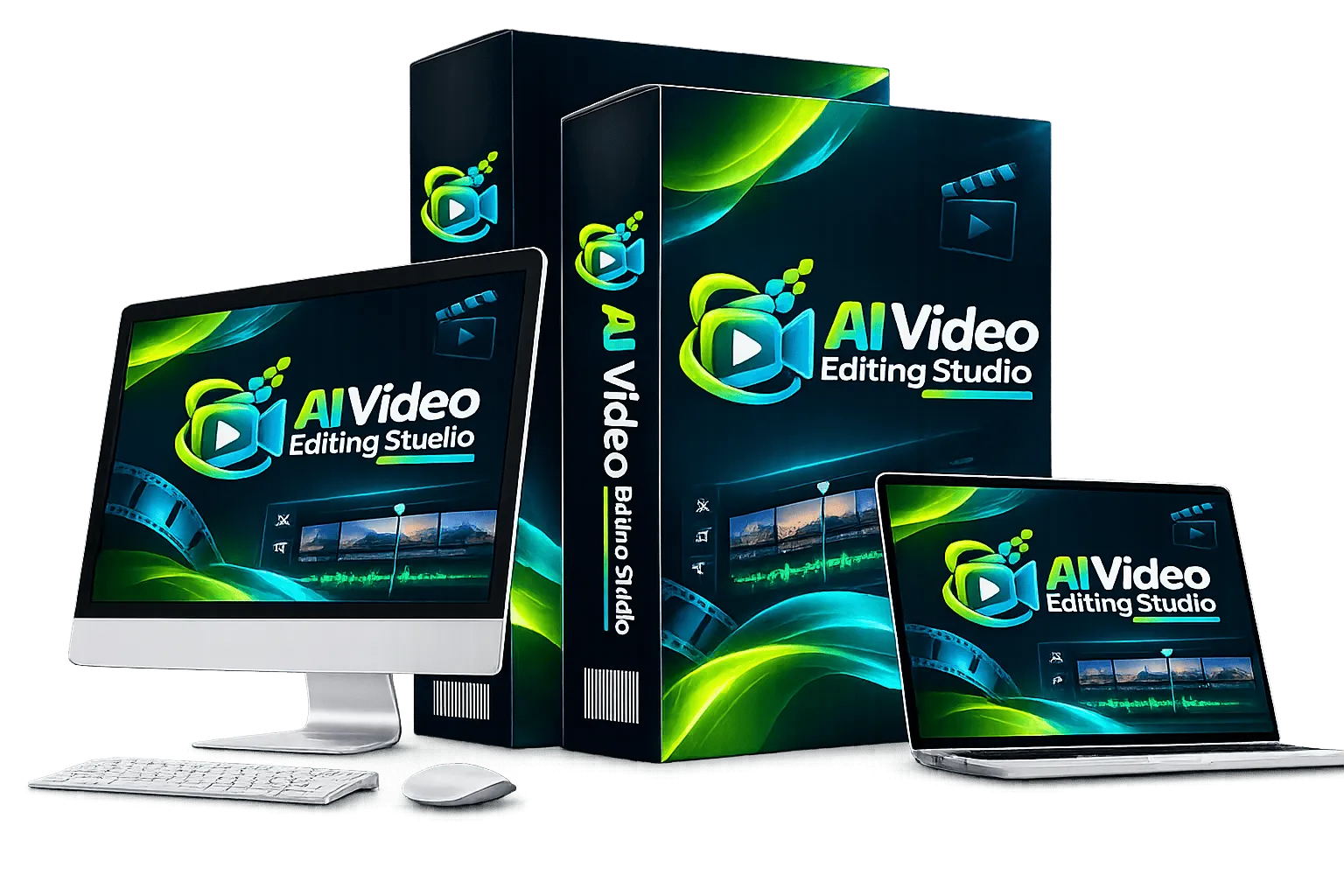
The product is presented as a central workspace for editing and adding creative elements without constantly switching between separate apps.
Arrange video, audio and other elements on a timeline with the kind of layered workflow video creators expect.
Use the advertised AI video creation capability as part of your content production workflow.
Add captions to help make videos easier to follow, including for viewers watching with the sound off.
Explore built-in voiceover, music and sound-effect tools to help shape the feel of a finished video.
Remove backgrounds from supported visuals without making a separate green-screen workflow your first step.
Work with your own media and the stock video, image and audio resources described in the offer.
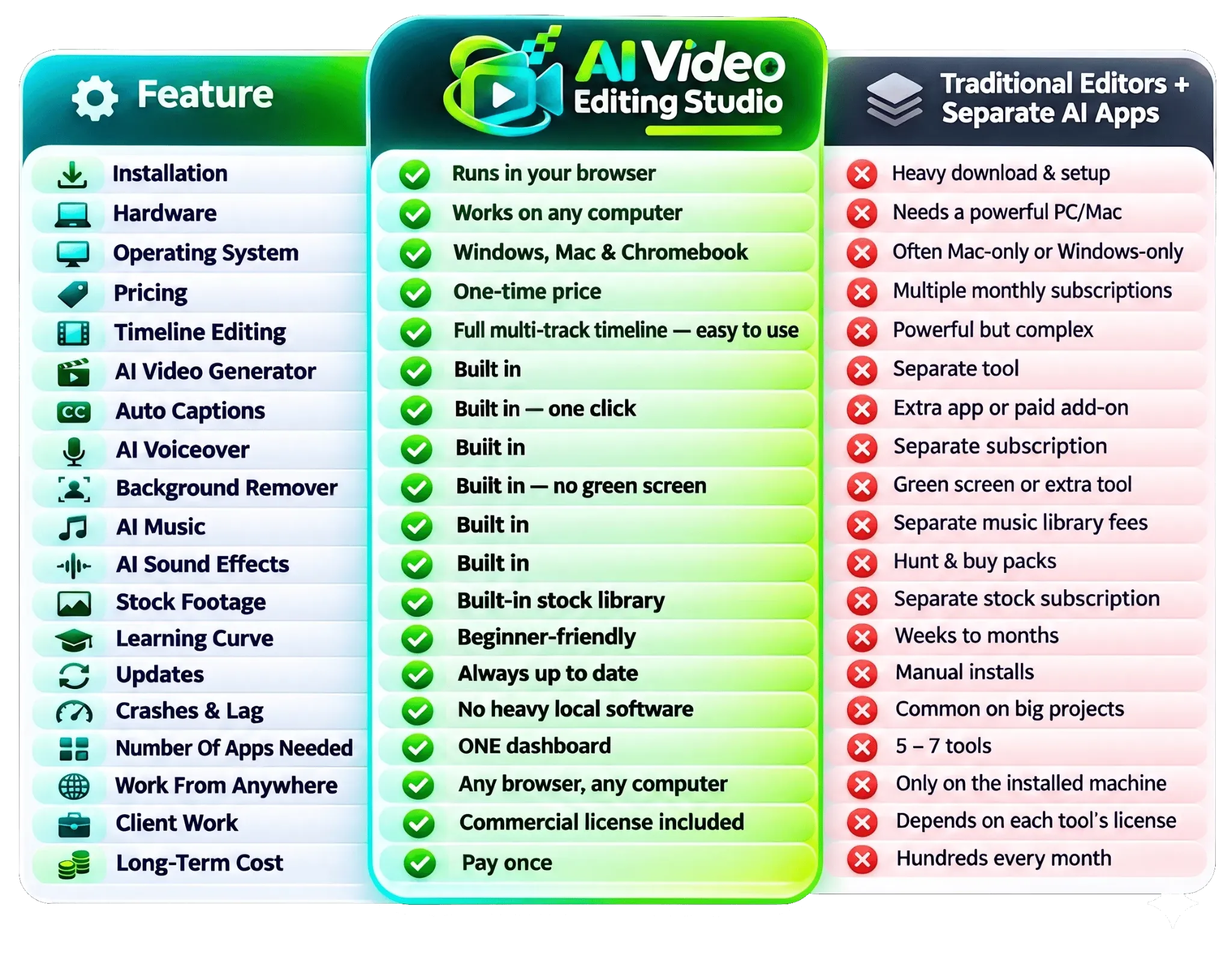
Many creators piece together an editor, a captioning tool, a voice generator and separate music resources. AI Video Editing Studio is positioned as a way to bring several of those jobs into one browser-based workspace.
Take a look at the product walkthrough before deciding whether its workflow fits the way you create videos.
Here is a practical way to evaluate the platform after opening the offer.
Open the official checkout page and confirm the current price, coupon rules, included access and any optional upgrades.
After purchase, review the onboarding or training and test the editor with a short sample project.
Try the timeline, captions, voice and other tools. Check export quality and usage limits before starting a larger project.
The feature set may be relevant to creators and businesses that regularly produce video content.
Two coupon codes were provided in the promotional materials. Try the relevant code at checkout and confirm that the discount is accepted before completing your order.
Current pricing, coupon validity, product access and any upgrade options are determined by the official checkout page.
A few things worth checking before you buy.
It is marketed as a browser-based video editing workspace combining a multi-track timeline with AI video generation, auto captions, AI voiceovers, background removal, music, sound effects and stock media resources.
The product is promoted as browser-based and is described as working on Windows, Mac and Chromebook. Check the official requirements and supported browsers for the latest details.
The sales copy compares its editing approach with established editors, but that does not establish feature-for-feature equivalence. If you rely on advanced professional workflows, test the available tools and export options before switching.
The promotional materials use broad claims about access, but specific AI credits, project limits, export resolution, watermark rules, storage and processing limits should be verified on the official page or inside the product.
A commercial license is advertised. Read the actual license terms to understand permitted client work, distribution, stock asset rights and any restrictions.
Open the official offer link and enter VIDEDIT35 or VIDEDIT5 wherever a coupon field is provided. Confirm the discount appears in the order total. The codes may have different eligibility or validity terms.
The vendor materials reference additional offer steps. Review each optional upgrade carefully and remember that add-ons may be separate purchases.
Watch the demo, review the feature details and check the current checkout terms. Make your decision based on the tools and limits that matter to your projects.
Check The Official Deal Now →