Give your AI images a clearer visual direction.
Explore the AI Image Prompt Codebook: a downloadable reference with 193 visual prompt shortcuts, plain-English backup instructions and 16 organized categories to help you describe the look you want.
PDF reference guide · Works alongside your chosen AI image platform · Not image-generation software
Vendor materials schedule the price change to $9.97 after 11:59 PM EST on December 5, 2026. Confirm the live checkout price before purchasing.
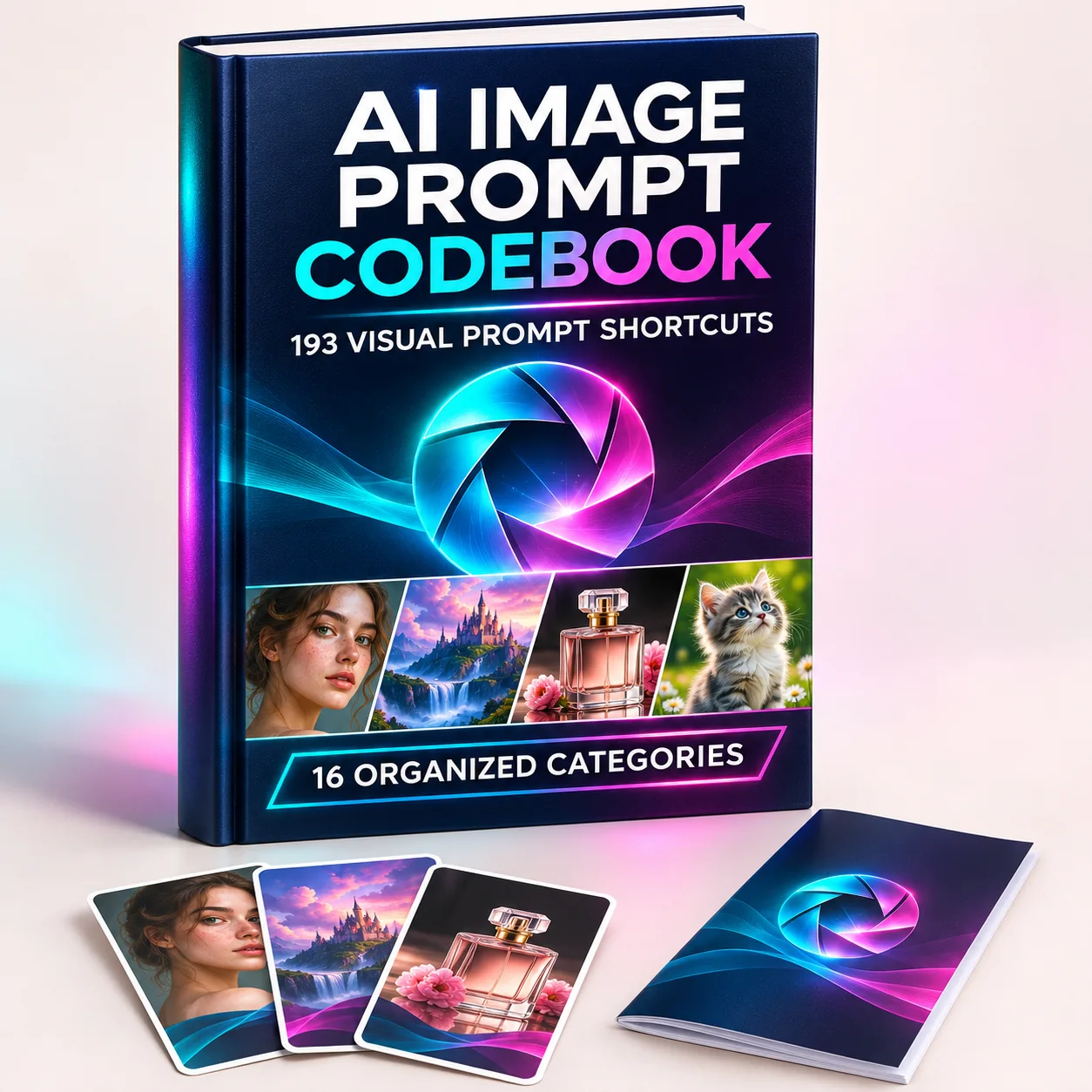
A visual prompt reference—not another image generator.
The AI Image Prompt Codebook by ePlanetJAI is a PDF guide designed to help users explore visual treatments and turn an image idea into a more specific written brief. Choose a direction, add your subject and adapt the accompanying wording for the AI tool you use.
Start with the look you want
Browse labels for styles, lighting, composition, materials, scale and presentation rather than beginning with a blank prompt every time.
Use the expanded wording
Each shortcut has a plain-English instruction to use when the label alone is unclear or your chosen platform needs more context.
A simple three-step workflow.
The guide is intended to be used alongside an AI image tool you already have access to.
Browse
Explore the 16 categories and choose a visual direction that fits your idea.
Personalize
Add your subject, setting, composition and other details. Use the expanded wording as a starting point.
Generate and refine
Use the adapted prompt in your preferred platform, review the output and refine the brief as needed.
What's included in the Codebook?
Based on the supplied ePlanetJAI front-end sales information.
193 visual prompt shortcuts
Concise labels for exploring different visual treatments, from product photography to technical illustration and atmospheric scenes.
193 plain-English backups
Expanded written instructions offer more context when a shortcut label is not enough for your selected image model.
16 organized categories
Categories cover areas including lighting, product photography, architecture, nature, diagrams, interfaces and brand graphics.
Combination ideas
Explore ways to pair compatible visual directions—for example, a miniature scene with golden-hour lighting.
Best-use suggestions
Quick context helps explain the kinds of subjects or treatments a visual direction may suit.
Five-platform guidance
Practical adaptation notes for ChatGPT, Gemini, Grok, Midjourney and Ideogram. Platform behavior can change, and identical results are not guaranteed.
Who may find this reference useful?
The best fit is someone who already uses, or plans to use, an AI image platform and wants a structured source of visual directions.
Potentially useful for
- Freelancers: explore alternative visual directions for creative briefs and client concepts.
- Marketers: develop ideas for campaign graphics, product visuals and social content.
- Consultants: communicate visual concepts for presentations and business materials.
- Small businesses: get a starting vocabulary for describing images to an AI tool.
- Digital agencies: keep a shared reference for brainstorming across different projects.
Consider other options if…
- You need an image generator or design editor included with the purchase.
- You expect guaranteed outputs or identical results across models.
- You already have a comprehensive prompt library covering these visual styles.
- You rarely create AI images and would not use a reference PDF regularly.
Pros and cons
A useful purchase decision starts with understanding both the value and the limitations.
✓ Potential advantages
- Organized reference: 16 categories make visual directions easier to browse.
- Expanded instructions: plain-English wording gives more context than short labels alone.
- Broad workflow guidance: notes cover five popular AI image platforms.
- Combination inspiration: examples suggest ways to mix visual treatments.
- PDF format: a downloadable reference can be kept alongside your creative workflow.
! Important trade-offs
- No generator included: you need a separate AI image tool.
- Not universal commands: shortcut labels may not be recognized directly by every model.
- Variable output: prompts do not guarantee a specific result.
- Possible overlap: experienced prompt writers may already know many of the techniques.
- Platform changes: compatibility notes may need adapting as AI tools evolve.
What does it cost?
The vendor-provided materials describe the following offer structure. Confirm the current price and inclusions on the secure checkout page.
Advertised launch price
- 193 visual prompt shortcuts
- 193 plain-English backup instructions
- Five-platform compatibility guidance
- Best-use suggestions and combination ideas
- 16 organized categories
- Instant PDF access
The sales materials state the price is scheduled to become $9.97 after 11:59 PM EST on December 5, 2026. The affiliate page schedules launch for November 30, 2026. Check the live checkout for the applicable offer.
Separate optional funnel offers
Order bump: ChatGPT Image-Creator Workflows — $7.95
Separate downloadable guide with 250 image-creation workflows, offered as an optional checkout add-on.
OTO1: AI Secret Code Vault — $19.95
Separate searchable online catalog described as containing 2,000 published prompt entries across eight AI families and 116 categories.
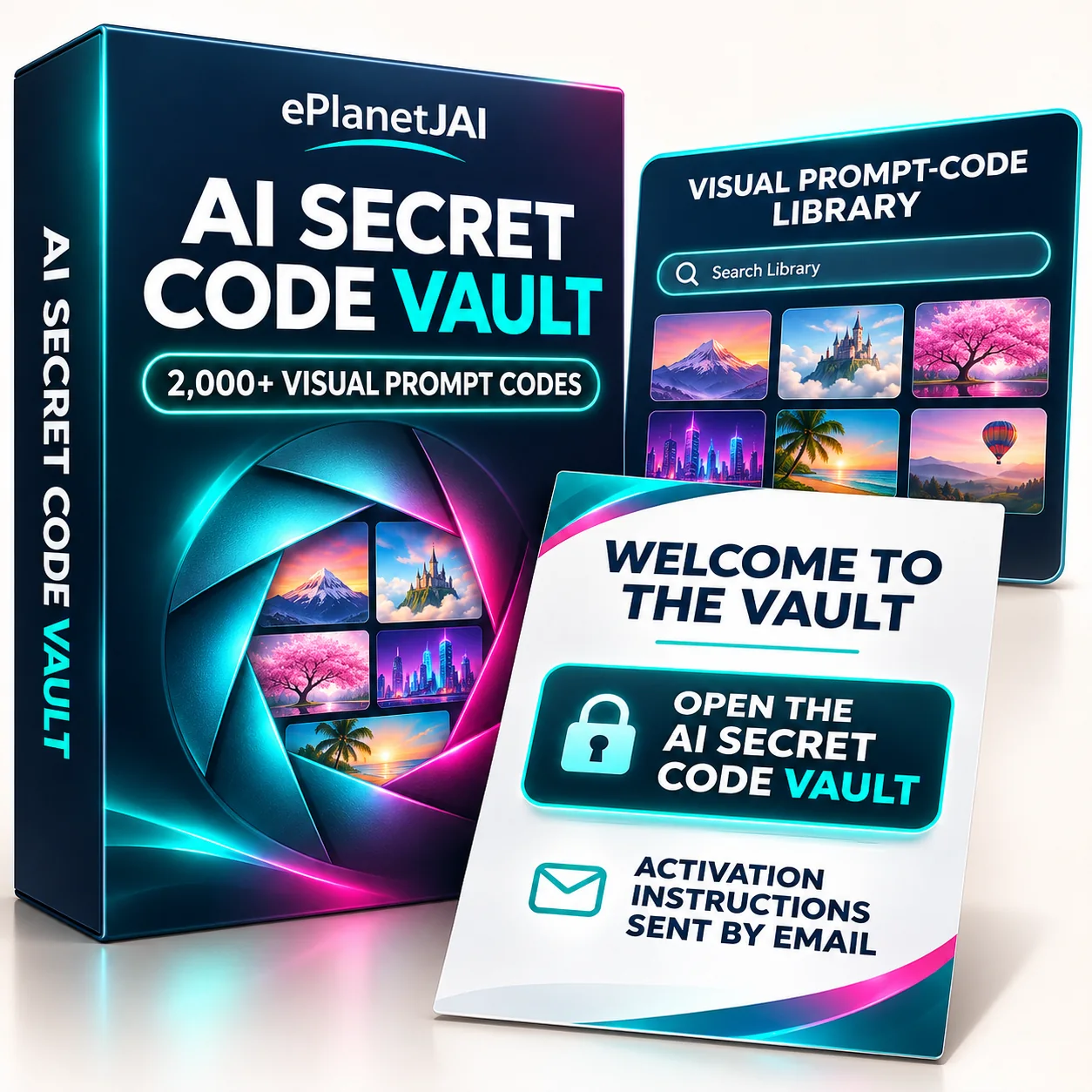
These are separate offers and are not included automatically in the front-end Codebook purchase. Availability and terms may change.
No free plan or free version is identified in the supplied product materials. The front-end offer is presented as a paid digital PDF purchase.
A practical reference, not a shortcut to guaranteed results.
The Codebook may be worth considering if you regularly create AI images and want an organized way to explore styles, lighting, composition and other visual treatments. Its strongest points are the combination of 193 shortcuts, expanded instructions, 16 categories and five-platform guidance.
It may not be worth the purchase if you expect image-generation software, universal slash commands or guaranteed output quality. The value depends on whether you will use the reference in your own workflow.
Our balanced take: a low-cost prompt reference for curious creators and working marketers, provided they understand what the PDF does—and does not—include.
Frequently asked questions
What is the AI Image Prompt Codebook?
It is a downloadable PDF reference guide containing 193 visual prompt shortcuts, 193 plain-English backup instructions, five-platform guidance, best-use suggestions, combination ideas and 16 categories.
Does it generate images?
No. It is a prompt reference guide. You need to use a separate AI image-generation platform.
Do the slash shortcuts work as commands in every AI platform?
No universal command behavior is promised. The labels are reference shortcuts. Use the accompanying plain-English instructions and adapt them to your chosen platform.
Which platforms are covered?
The supplied materials list ChatGPT, Gemini, Grok, Midjourney and Ideogram. The guidance is practical rather than a guarantee of identical behavior.
Is there a free plan?
The supplied product materials do not identify a free plan or free version. The front-end product is advertised as a paid PDF download.
What is the advertised price?
The supplied sales page lists a $7.97 launch offer, scheduled to change to $9.97 after 11:59 PM EST on December 5, 2026. Verify the live checkout price before ordering.
Are the Order Bump and AI Secret Code Vault included?
No. The 250-workflow guide is described as an optional checkout add-on, while AI Secret Code Vault is a separate post-purchase offer. Check the checkout page for current availability and terms.
Will the prompts produce the same results on every model?
No. Outputs can vary depending on the platform, model version, settings and prompt details. The Codebook does not guarantee a particular result.
How do I receive the product?
The front-end offer is described as an instant digital PDF download. Check the vendor checkout and delivery instructions for the current fulfillment details.
Ready to give your image ideas a clearer direction?
Review the Codebook contents and current offer details before deciding whether this reference fits your workflow.
View AI Image Prompt Codebook Offer →You will be taken to the vendor's JVZoo offer/checkout flow.